
Stylish fonts work best when they have a job to do. Here are ten practical places to use them on Instagram, TikTok, Facebook and X, with a note on keeping each one readable.
1. Your name line
The name shown above your bio is the first thing people read on your profile. A clean bold or script version of it stands out without making it hard to read.
2. The first line of a caption
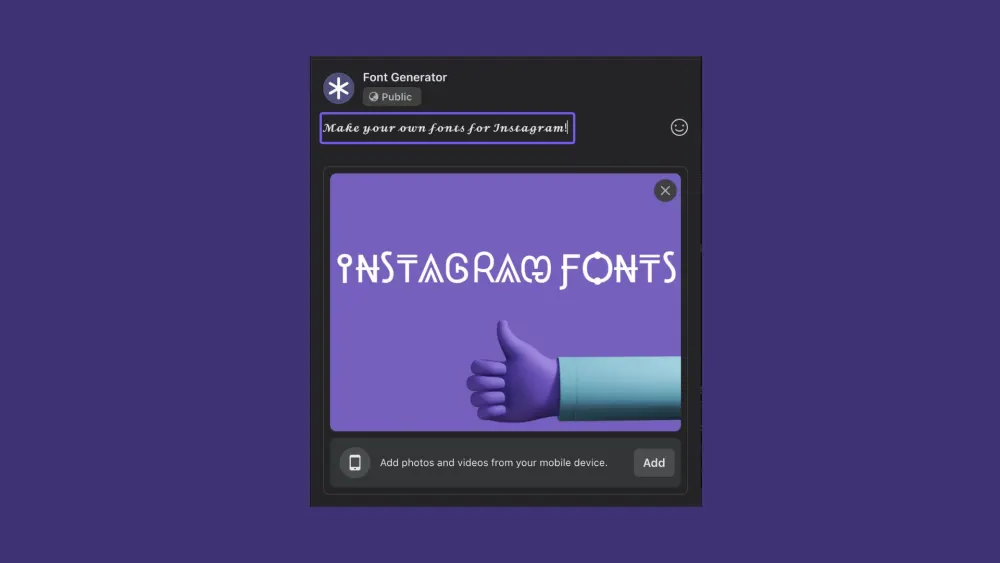
Only the first line or two shows before "more". Styling that line, and only that line, gives people a reason to tap.
3. Announcements and promotions
Sales, launches and events are where a bold, eye-catching headline earns its place. Keep the date, price and link in plain text so they're easy to read and copy.
4. Quotes
A short quote in a script or serif style feels deliberate and shareable. Add the source in plain text underneath.

5. Text on photos and stories
Story text tools have limited fonts. Pasting styled text gives you more options. Check the contrast against the photo so it stays legible.

6. A consistent brand look
Pick one or two styles and use them for the same things every time, such as headings in bold and accents in script. Consistency is what makes a style feel like yours.

7. Section labels in your bio
Short styled labels like 𝐒𝐡𝐨𝐩, 𝐁𝐨𝐨𝐤𝐢𝐧𝐠𝐬 and 𝐂𝐨𝐧𝐭𝐚𝐜𝐭 make a long bio easier to scan.
8. Calls to action
"Link in bio", "Comment below" or "Shop now" in a bold style draws the eye to what you want people to do next. Keep it to a few words.

9. Reviews and testimonials
Style the short pull-quote from a review, then keep the rest of the review and the customer's name in plain text so it reads as genuine.

10. Seasonal posts
Holidays and events are a good excuse for a themed style, like a script for Valentine's Day or something spooky for Halloween. It's a change from your usual look that still feels intentional.
Two things to avoid
- Styled hashtags. #𝐬𝐮𝐦𝐦𝐞𝐫 isn't the same tag as #summer and won't appear in its feed.
- Long styled paragraphs. They're slow to read and screen readers handle them badly. Style a line, not the post.
To try any of these, type your text into the Instagram fonts generator and copy the style you like.