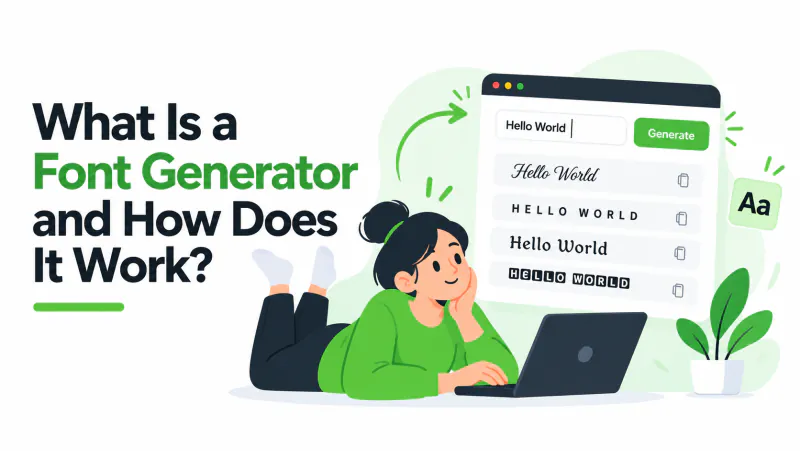
If you've ever seen a bio written in 𝓼𝓬𝓻𝓲𝓹𝓽 or a username in 𝐛𝐨𝐥𝐝 and wondered how it was done, the answer is almost always a font generator. The name is a little misleading, though. A font generator doesn't make fonts at all.
What a font generator actually does
You type ordinary text. The generator looks at each letter and swaps it for a different character from the Unicode standard that happens to look like a styled version of that letter. Type A and the bold style gives you 𝐀, which is a separate character called Mathematical Bold Capital A. Do that for every letter and you get a whole word that looks bold.
That's the whole trick. There's no image, no font file and nothing to install. The generator is a lookup table: one table per style, mapping normal letters to their look-alikes.
Why the style survives copy and paste
Most apps don't let you choose a font for your bio, a chat message or a game name. They show everything in their own font. Real bold or italic formatting only exists inside the app that applied it, so it disappears when you paste somewhere else.
Unicode characters are different. 𝐀 is text, just like A, so it pastes anywhere that accepts text. The app draws it with whatever font it has that contains that character, and it still looks bold.
Where the characters come from
Unicode includes thousands of letter-like characters that were added for maths, linguistics and other scripts. Font generators borrow them:
- Bold, italic, script, gothic and double-struck letters come from the Mathematical Alphanumeric Symbols block (U+1D400–U+1D7FF), originally meant for writing equations.
- Bubble letters like ⓐⓑⓒ come from Enclosed Alphanumerics.
- Small caps like ᴀʙᴄ use phonetic letters from linguistics.
- Underline, strikethrough and "zalgo" text add combining marks (U+0300–U+036F) on top of normal letters.
- Decorated styles wrap your text in symbols borrowed from other scripts, like ꧁ and ꧂.
What a font generator can't do
- Change size, colour or spacing. Those are formatting, not characters, so they're up to the app you paste into.
- Style every character. Most styles only cover A–Z and 0–9. Accented letters, punctuation and non-Latin scripts usually stay as they are.
- Work everywhere. Some games and sign-up forms only accept basic letters, and older phones may show rare characters as empty boxes.
- Stay accessible. Screen readers often read 𝐛𝐨𝐥𝐝 as "mathematical bold small b…" or skip it. Keep anything important in plain text.
What people use it for
Mostly for short bits of text where the app won't let you format: Instagram and TikTok bios, display names, Discord nicknames, game usernames, chat group names and the first line of a caption. You can try it on the font generator, or read the readability tips before you use it on anything important.